
When enterprise search works, decisions get made faster, and onboarding shrinks from weeks to days. A sales rep sees calls, emails, CRM notes, and Slack threads in one place. A new PM asking "why did we decide this?" gets the meeting, the decision, and the context behind it without pinging three people.
Most implementations never get there. Tools are expensive, rollouts take months, and coverage is limited to a fraction of where work actually happens. Fragmented context limits what these systems can deliver. Documents and messages are indexed, but the decisions and reasoning behind them live across meetings and disconnected systems. Answers come back incomplete.
Read AI's enterprise search was built to close this gap. It pulls meetings, messages, documents, and CRM data into one layer from day one, so answers come back complete and ready to act on.
Enterprise search refers to a search system that pulls together information from every tool a company uses and surfaces it through a single search interface. Documents, meetings, emails, messages, CRM records, and cloud storage all become searchable from one place. It is different from site search, which is limited to one website, and different from web search, which only covers the public internet.
Modern enterprise search solutions go further than a search bar. Instead of returning a list of links, AI-powered enterprise search uses artificial intelligence, natural language processing, and machine learning to understand what you're actually asking and return a direct answer. Ask "what did we decide about the pricing change?" and the system pulls from the meeting where it was decided, the Slack thread where it was debated, and the email where it was confirmed.
Most teams have a fragmented intelligence problem. Meetings, emails, messages, CRM notes, and documents are different surfaces where the same underlying knowledge lives. McKinsey research found that knowledge workers spend roughly 20% of the workweek, about 1.8 hours per day, searching for and gathering information. That cost compounds when the highest-value knowledge, the kind generated in meetings and conversations, sits outside what most search tools can see.
This is why enterprise search matters and why the category is evolving. It adds context, not just information. Done right, it closes the gap between what your company knows and what your employees can access.
Enterprise search tools follow three core steps.
1. Data collection and indexing
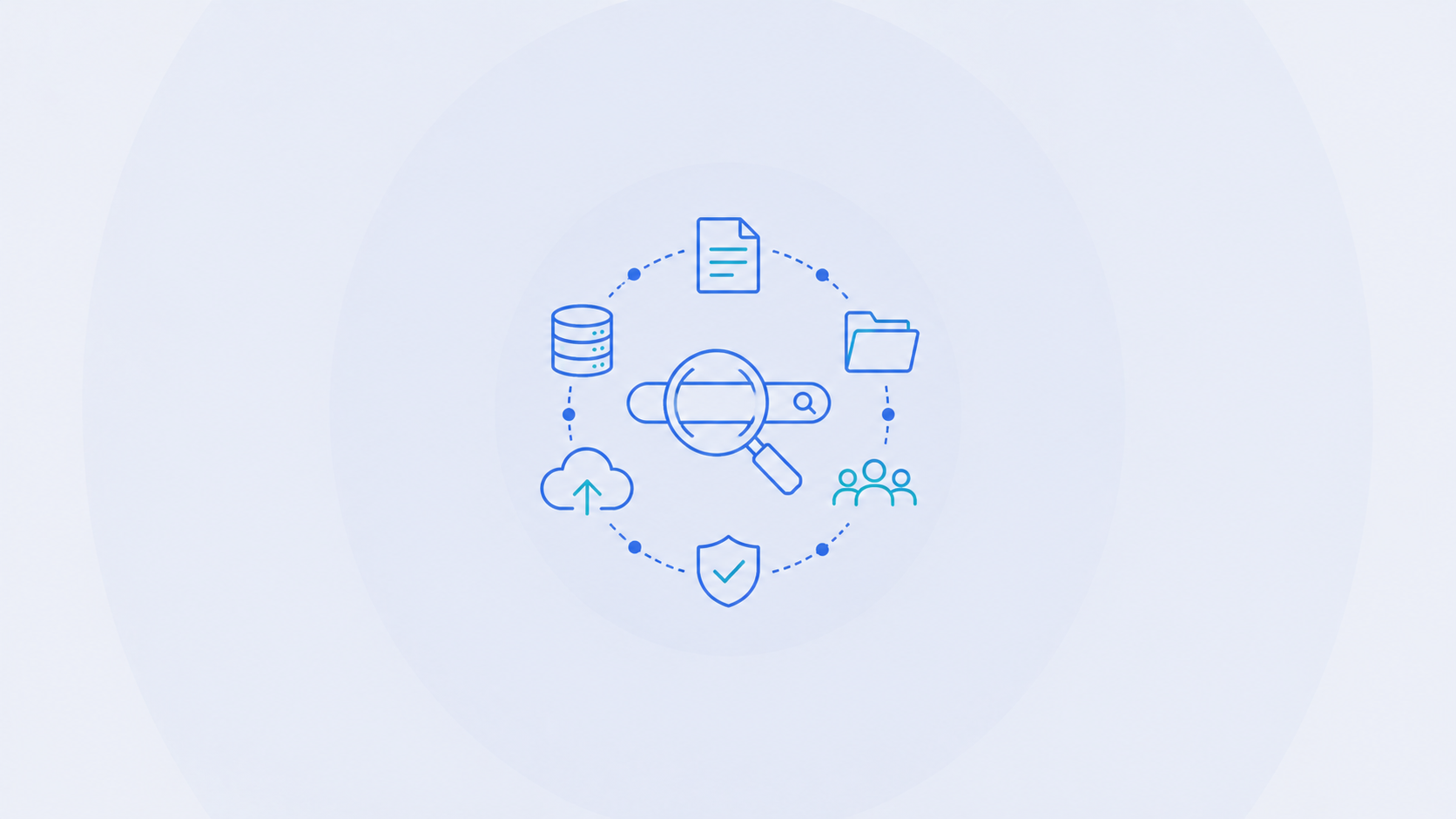
The search platform connects to your existing tools (CRM, email, Slack, cloud storage, document management systems, and more) and pulls data from multiple data sources into one personalized, searchable layer.
2. Query processing with natural language
When you ask a question, the enterprise search engine uses query processing and natural language search to interpret intent.
3. Relevant results, ranked by context
The system returns relevant results based on what you actually meant.
The tools that hold up in practice cover the full lifecycle of enterprise search: find, understand, and act. The other thing that separates a working system from a generic one is whose knowledge each user is actually searching. The best enterprise search is bottoms-up and personalized. Each user searches their own knowledge base, built from the sources they have connected and the items deliberately shared with them, rather than a single shared graph that exposes everyone's data to everyone else. Read AI's approach to permissioning and data governance covers how that works in practice.
Find. Surface the right information across every connected platform, including meetings, email, Slack, CRM, and documents, using graph-based RAG search instead of keyword matching. Questions like "what did we agree to with Acme last quarter?" work as easily as "budget for Q2."
Understand. Go deeper through follow-up questions and related context. Enterprise search that holds up returns answers, not a list of links, which is where traditional tools stop.
Act. Push knowledge into the rest of your AI stack. With MCP integrations, meeting context feeds directly into tools like Claude Code and Cursor, with broader knowledge graph support on the roadmap. Proactive features surface updates, highlight next steps, and keep work moving without anyone having to ask.
The benefits of enterprise search come from unifying what was previously siloed.
Quick access to relevant content. Employees find documents, messages, and meeting clips in one place.
Better decisions, faster. A single search interface means the context behind a decision is visible in one place. When teams see full context, decisions improve.
Knowledge sharing across teams. Enterprise search creates an organizational memory that survives turnover. When an employee leaves, their context doesn't leave with them.
Shorter onboarding. New hires get quick access to institutional knowledge instead of spending weeks asking colleagues for background.
Higher data quality. Unified business data exposes duplication, contradictions, and outdated information faster than siloed tools ever could.
These are the standard enterprise search use cases. The larger the company, the higher the payoff, which is why enterprise search is common across the Fortune 500 and increasingly standard for mid-market teams.
Most legacy enterprise search systems are expensive to stand up and slow to roll out. They depend on IT and professional services before they deliver any value, and implementing enterprise search the old way often takes months. Two structural problems consistently reappear underneath the cost and timeline issues.
Platform-native AI like Microsoft Copilot and Google Gemini only sees what its platform owns. If your team runs calls on Zoom, coordinates in Slack, manages deals in Salesforce, and stores files in Notion, none of that is visible to Copilot. You're searching a fraction of your organization's knowledge and calling it enterprise search.
Legacy enterprise search tools rely on IT admins to define access controls and user permissions up front, at scale. That model slows adoption and creates friction every time a new system or team gets added. It also discourages employees from connecting their own knowledge, and a knowledge base only gets richer when employees are willing to contribute.
Read AI's enterprise search takes a different approach to access. Data from integrated services surfaces only within each user's own knowledge base by default. Sharing happens piece by piece, with no blanket access grants and no IT-led permission schemes. The internal authorization service runs half a billion permission checks daily to enforce this at scale.
Privacy by default drives adoption and makes the system valuable. Enterprise search integrates with directory services to manage authorized users at scale, and it's SOC 2 Type 2 certified, GDPR compliant, and HIPAA compliant. Read AI does not train on customer data by default. Protecting private organizational information is a baseline requirement for a tool that touches enterprise data, not an enterprise add-on.
Rolling out an enterprise search system is one thing. Making it actually work is another. A few patterns hold up consistently in practice.
Start with the tools your team already uses. The system needs to connect to the company systems and internal data where people actually work, not force them to change behavior. Enterprise search helps only when it covers the stack your team already lives in.
Prioritize natural language over keyword accuracy. Users shouldn't have to remember exact phrasing. Modern enterprise search is designed around how people ask questions, not how documents are tagged.
Measure the search success rate. If people aren't finding what they need, the system is failing, regardless of how impressive the back end is. Success rate and user behavior data tell you whether adoption is actually sticking.
Allow bottom-up adoption. The enterprise search tools that scale best are the ones employees choose to use. IT-mandated rollouts tend to stall. Tools that spread team by team tend to stick.
Keep access controls private by default. Trust drives adoption. When employees know their data stays theirs unless they choose to share it, they connect more sources, and the system gets more valuable for everyone.
Enterprise search tools usually index files, tickets, and emails. The decisions and reasoning that drive outcomes live in meetings. Traditional enterprise search can't see any of it. This is the gap Read AI's enterprise search was built to close. Enterprise search works across connected systems from day one, including meetings, emails, messages, documents, and CRMs, all within a single search bar. It treats a meeting the same way it treats a document: searchable, chattable, and connected to every related artifact. When someone asks "what did we decide about the pricing change?", the answer draws from the meeting where it was decided, the Slack thread where it was debated, and the email where it was confirmed.
Enterprise search is no longer a productivity tool you buy on its own. It's the foundation that the rest of your AI stack runs on. Proactive recommendations, automated briefings, agents that act on your behalf: none of that works without a reliable, connected, permission-appropriate store of organizational knowledge underneath it. The teams getting this right aren't buying a search product. They're building the foundation their AI stack runs on. Enterprise search is the starting point.
Get Started with enterprise search Today
Enterprise search pulls information from all company tools into one place and returns direct answers instead of links.
Modern tools understand intent, search across all systems, and deliver answers. Traditional tools rely on keyword matching within siloed systems.
Yes. AI powers enterprise search by understanding queries and surfacing relevant answers across systems.
Any company with knowledge spread across multiple tools, especially growing teams and large organizations.
Yes, when the permissioning model is built correctly. The strongest enterprise search platforms work bottom-up, where data from connected services surfaces only inside each user's own knowledge base by default, with no blanket access grants. Read AI's enterprise search enforces this with half a billion permission checks daily and is SOC 2 Type 2 certified, GDPR compliant, and HIPAA compliant.
Federated search queries multiple sources separately. Enterprise search unifies and ranks results in one connected system.


%2C%20Color%3DOriginal.png)


