
.jpg)
This month, we introduce Ada, your new AI assistant, as well as upgrades that make it easier to sync your meeting content directly to connected platforms. You can also immediately transform your conversations into code using our new MCP server and API.
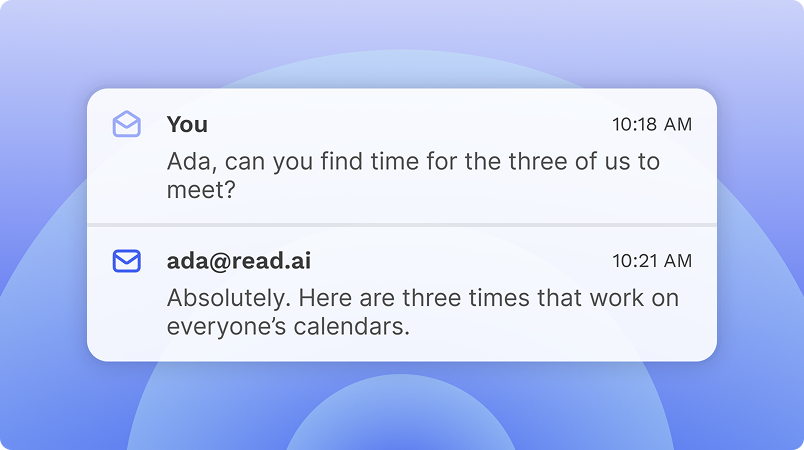
Ada is your new AI assistant. Ada handles scheduling, answers questions from your knowledge base, and manages follow ups on your behalf, so you don't have to. As a Read AI user, you're already set, just email ada@read.ai to get started.
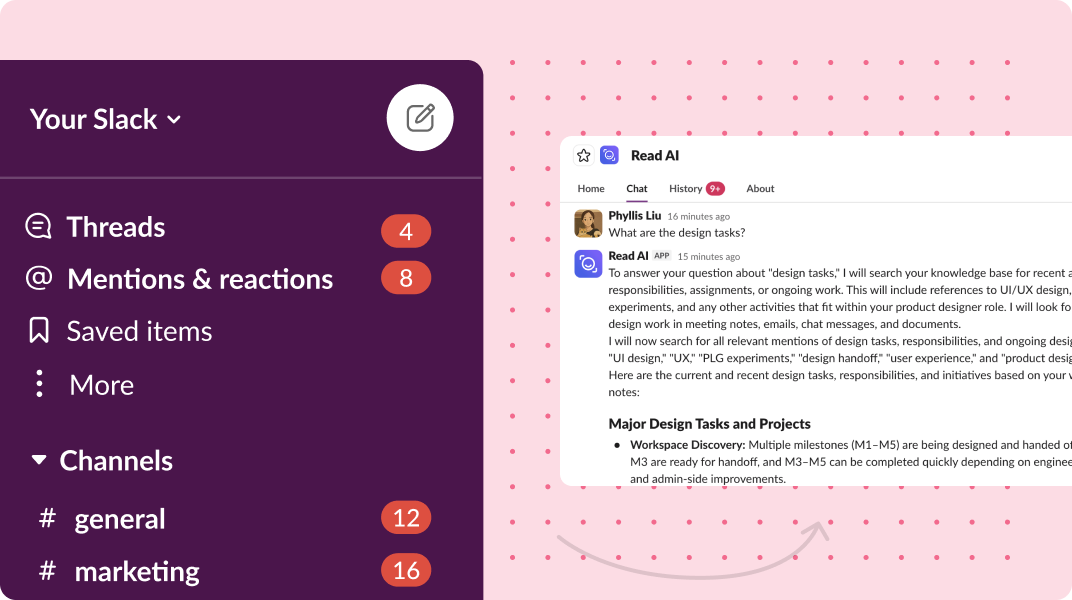
Our upgraded Slack integration lets you search your entire Slack history from Read AI. Every channel, DM, and group chat is now instantly searchable in Read AI with no delays or limits. Connect Slack from your integrations page to get started.
Connect Slack: Integrations Page
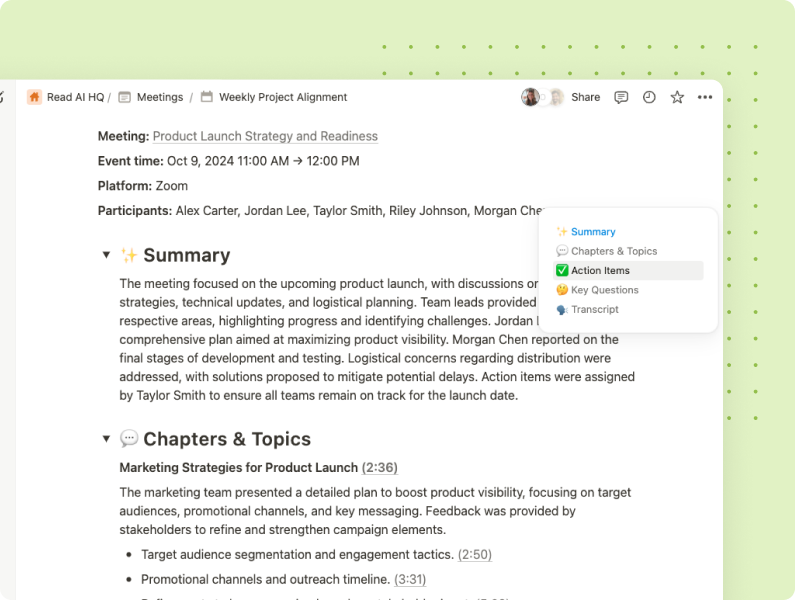
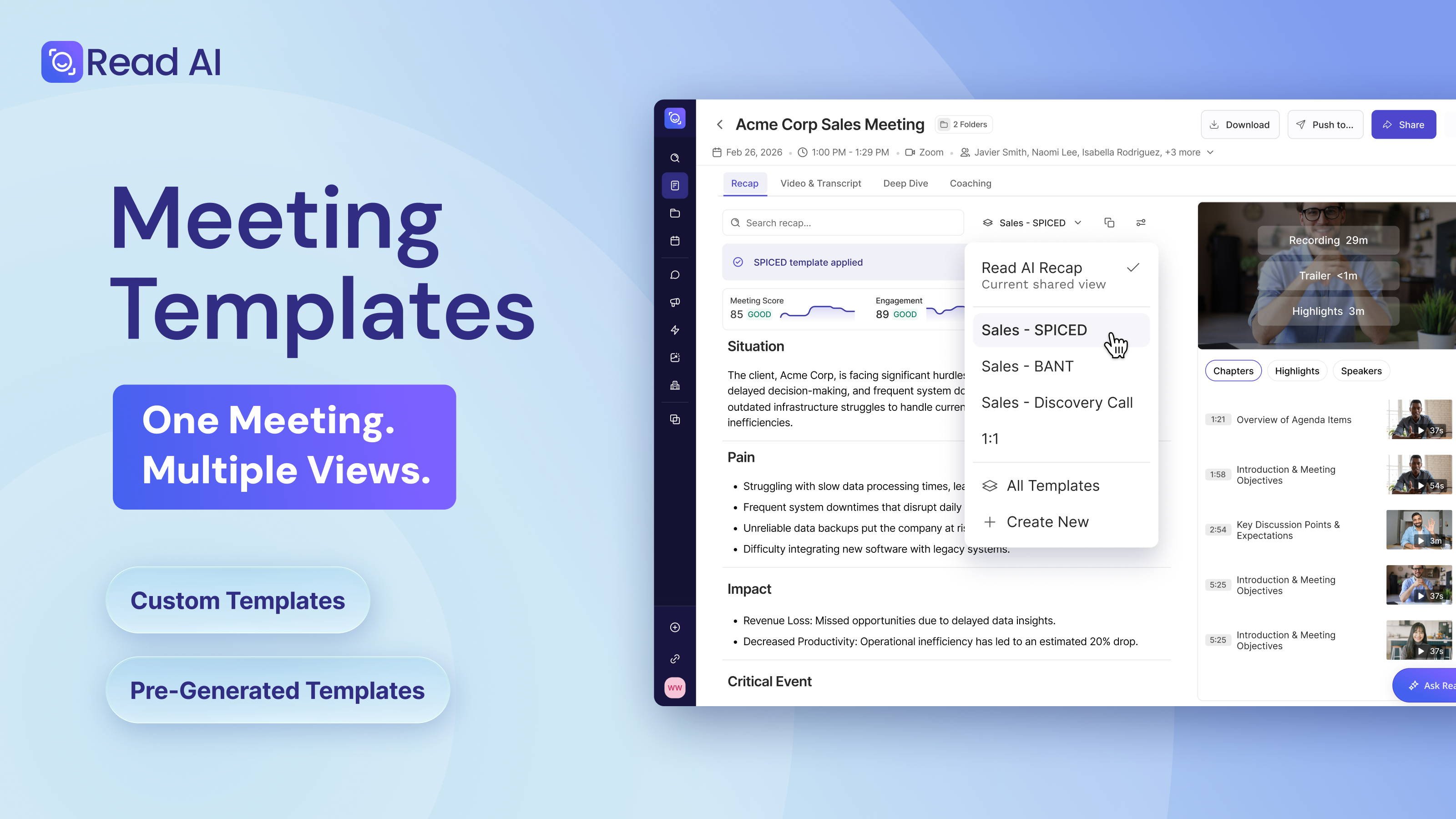
Meeting notes can now be automatically saved to Notion or Confluence. Choose where notes will go, customize the title format, and let Read AI handle the rest. Your knowledge base stays up-to-date with all of your meeting summaries, action items, and transcripts. Automate your work now.
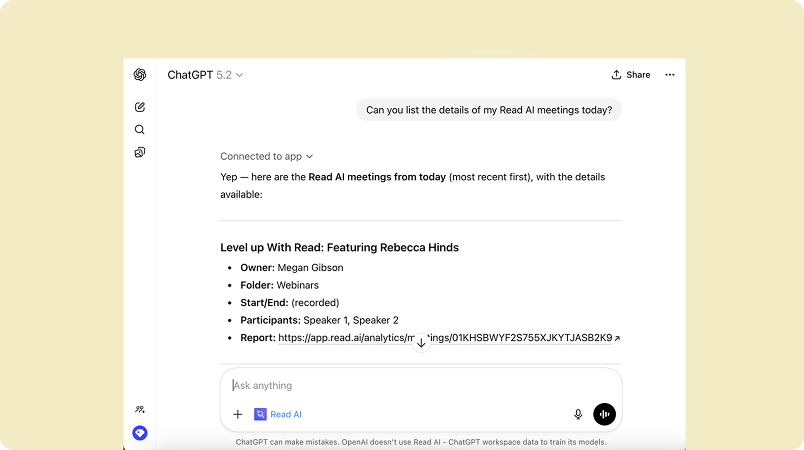
With our MCP Open Beta, Read AI connects directly to ChatGPT, Claude, and other AI tools, giving them secure access to your meeting insights. No exports. No copy-paste. Build workflows, generate code, automate deliverables, or create your own integrations with our MCP server and REST API. See what you can build.
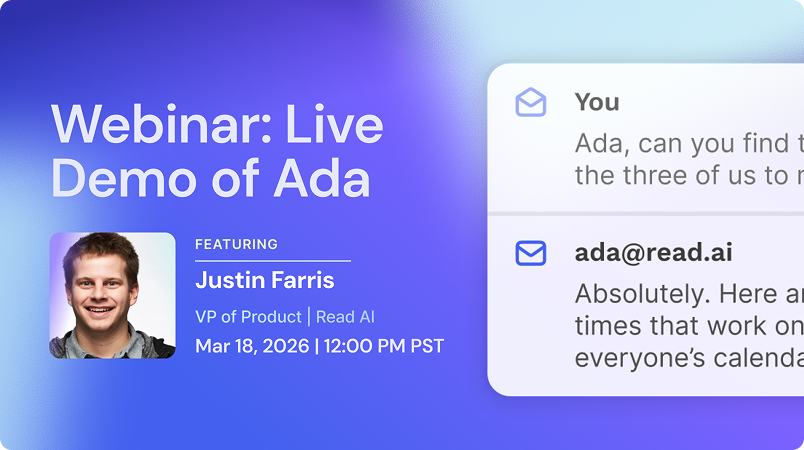
Join us on March 18 for a live walkthrough with Justin Farris, VP of Product at Read AI. He'll share practical tips for using Ada, our new AI assistant. See how Ada answers your questions, schedules meetings, and keeps work moving while you're out of the office.
March 18, 2026 | 12:00 PM PST | Register Now



%2C%20Color%3DOriginal.png)


