
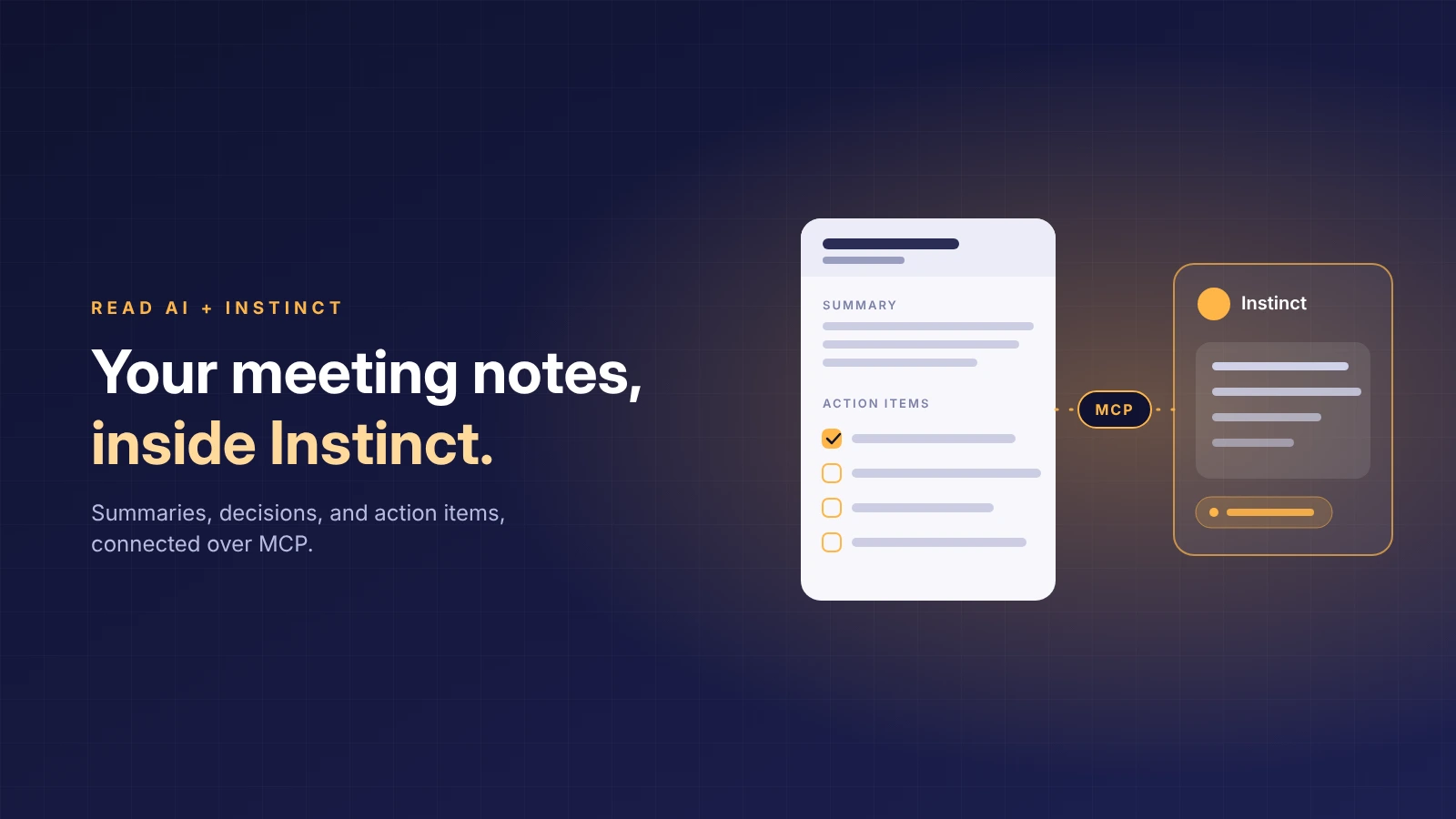
To connect Read AI to Instinct, the personal AI assistant, add Read AI’s MCP server at https://api.read.ai/mcp in Instinct’s connected apps settings and sign in with your Read AI account. Once connected, Instinct can retrieve meeting reports, search past meetings by topic, and send Read AI to join calls.
Instinct is a personal AI assistant for everyday life and work, and meetings are where much of that work gets decided. With Read AI connected, Instinct has the record: who committed to what, by when, and what was left open. It can draft the follow-up after a call, pull the action items assigned to you, brief you before the next conversation, and send Read AI to a meeting you cannot attend.
Before you start
- An Instinct account with permission to add connected apps.
- A Read AI account on any plan, including Free.
- If you belong to a Read AI workspace, your admin needs to enable Downloads under Reports & Sharing.
- Instinct can only retrieve reports your Read AI account can already open.
Connect Read AI to Instinct
- In Instinct, open your connected apps and add a new connection or MCP server.
- Enter https://api.read.ai/mcp as the server URL and continue.
- Complete the Read AI sign-in and approve the access request.
- Ask Instinct: “Use Read AI to retrieve my most recent meeting and list the commitments, owners, and deadlines.”
If the first request comes back empty, confirm the Read AI connection shows as active in Instinct’s connected apps and that you signed in with the Read AI account that owns the meetings.
What to ask Instinct
Instinct does its best work with a specific request. Ask it to cite the report so you can check the source:
“Use Read AI to find my meetings from this week and list every action item assigned to me, with the report link.”
“Search my Read AI meetings for [topic] from the last month and tell me what we decided.”
“Before my call with [name], find our last Read AI meeting together and give me a short brief.”
Send Read AI to a meeting from Instinct
Once Read AI is connected, Instinct can also send Read AI’s meeting agent to an upcoming call. Paste the complete meeting link and ask:
“Send Read AI to this meeting now: [meeting link]. Confirm the dispatch result.”
You can also give a future start time. Read AI supports Zoom, Google Meet, and Microsoft Teams. For Zoom, connect your Zoom account to Read AI first and join the meeting signed in to that same account; Read AI joins alongside you as a participant. The meeting host still controls admission and recording.
Common questions
Does Instinct connect to Read AI directly?
Yes. Add Read AI’s MCP server as a connected app in Instinct and sign in with your Read AI account. No code and no API key are required.
Can Instinct send Read AI to a meeting?
Yes, once Read AI is connected. Paste the meeting link and ask Instinct to send Read AI to it. The report is available to Instinct afterward.
Can Instinct use meetings from before I connected Read AI?
Yes. Instinct can retrieve any report your Read AI account can open, not only meetings it sends Read AI to. Topic search covers roughly the last 12 months.
What can Instinct see in Read AI?
Only what your Read AI account can already see. Access follows your Read AI permissions: Instinct can retrieve reports you can open in Read AI, and nothing else.
Is Read AI free to use with Instinct?
Read AI’s MCP server is available on every Read AI plan, including Free.
More ways to use Read AI with AI assistants
This page covers one assistant. For the full picture across Meta Muse, Instinct, OpenAI Dots, and Town, see the overview of connecting Read AI to your AI assistant.


