
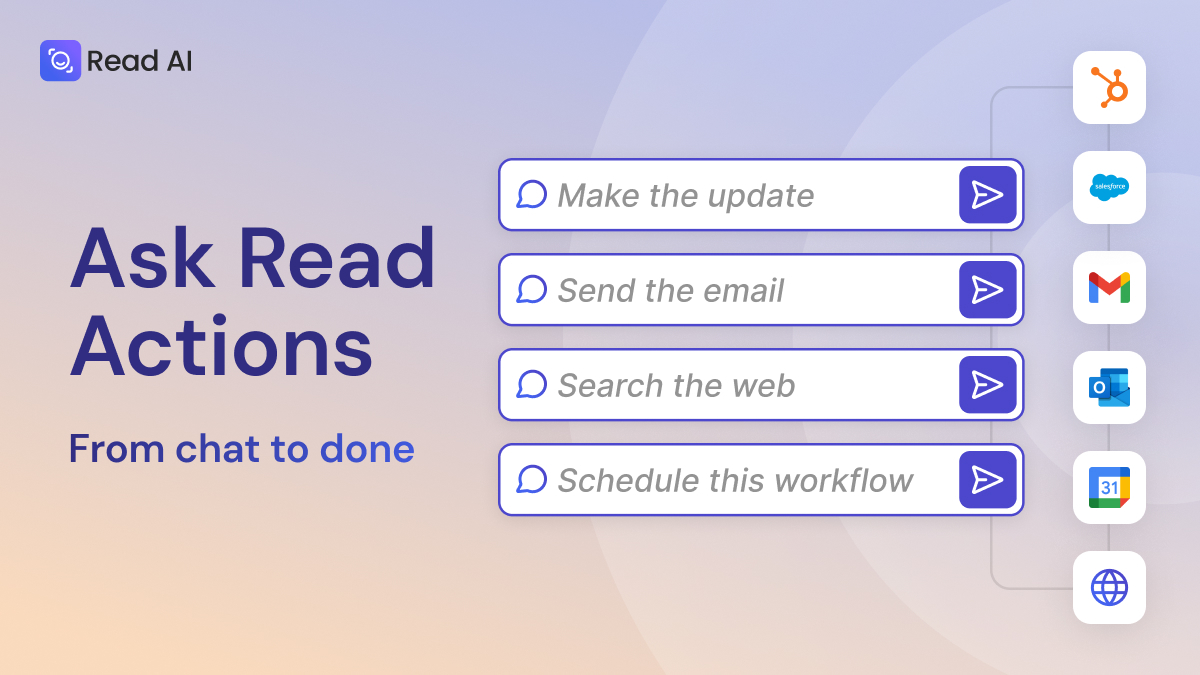
Ask Read, Read AI’s search and chat tool, helps customers unify meeting transcripts with emails, chat threads, documents, and CRM data. Now, Ask Read Actions turns those conversations into action through new agents that can interact with external platforms.
Actions are action-oriented agents that work with Ask Read. When prompted, they’ll act on a request, allowing you to learn something from a prompt, and then take action (“Send an email with this information,” “Update my CRM with this detail,” and more). With Actions, Read AI users can interact with external applications like CRMs, calendar, and email directly through Ask Read, eliminating steps and, in some cases, completely automating processes and follow-up work.
This new capability transforms chat to action, making your AI support feel more and more like a proactive assistant.
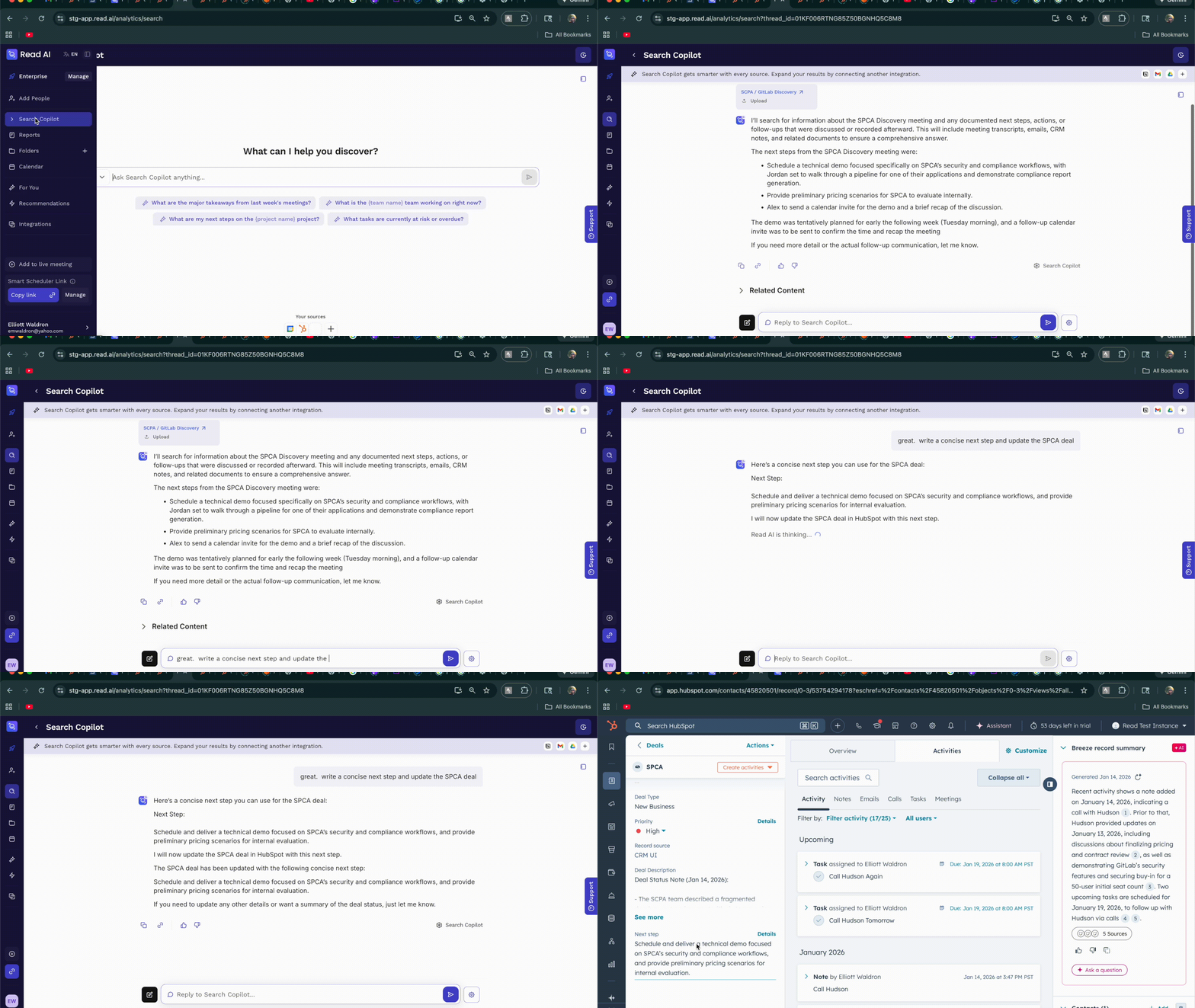
After a discovery call with a new client, ask Read for the next steps, and tell it to update the deal in HubSpot.
After a meeting, it’s simple to send a quick synthesis to important stakeholders who might not need the full meeting report. Simply navigate to the meeting and use a quick command “Draft a concise next step.”.
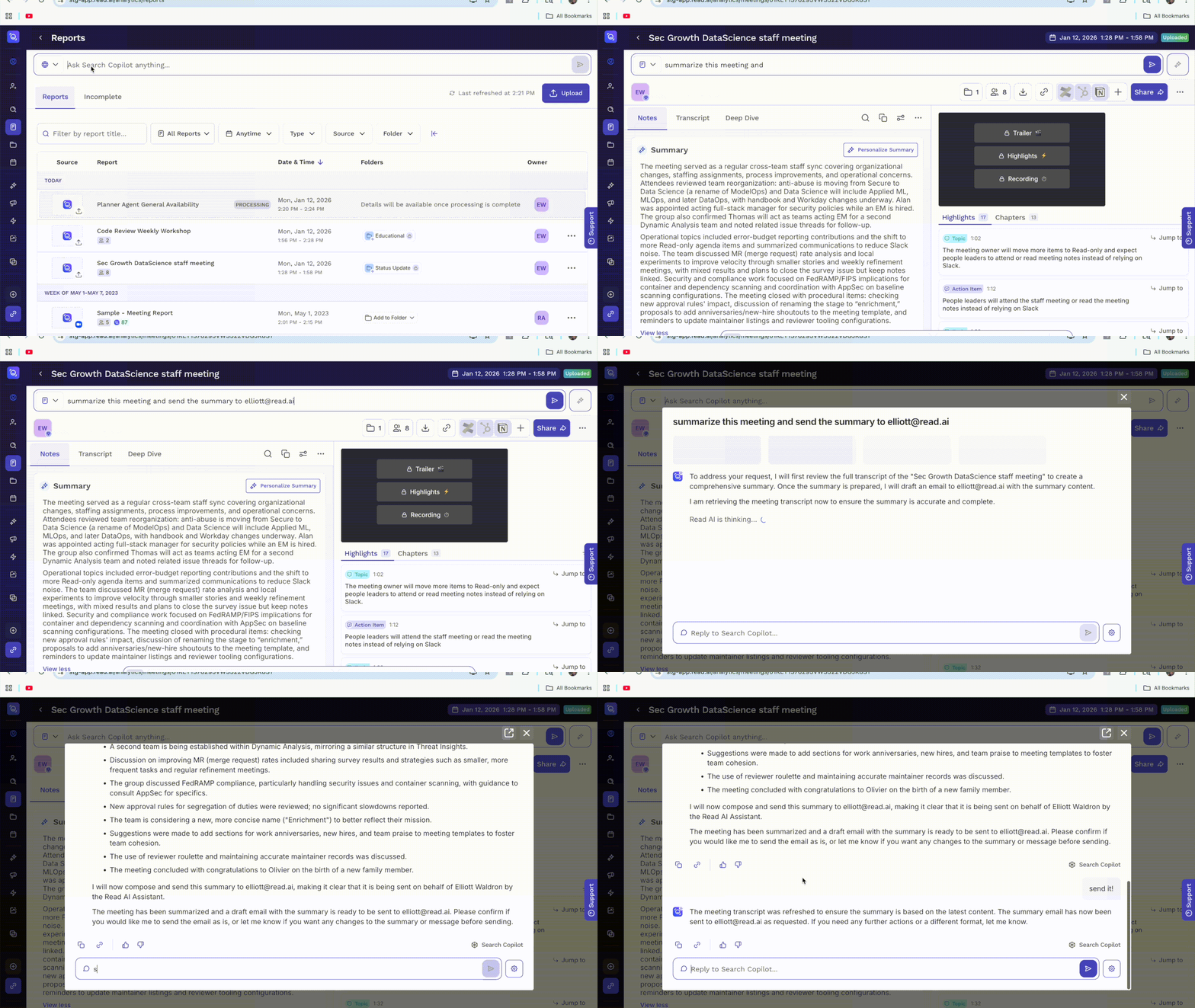
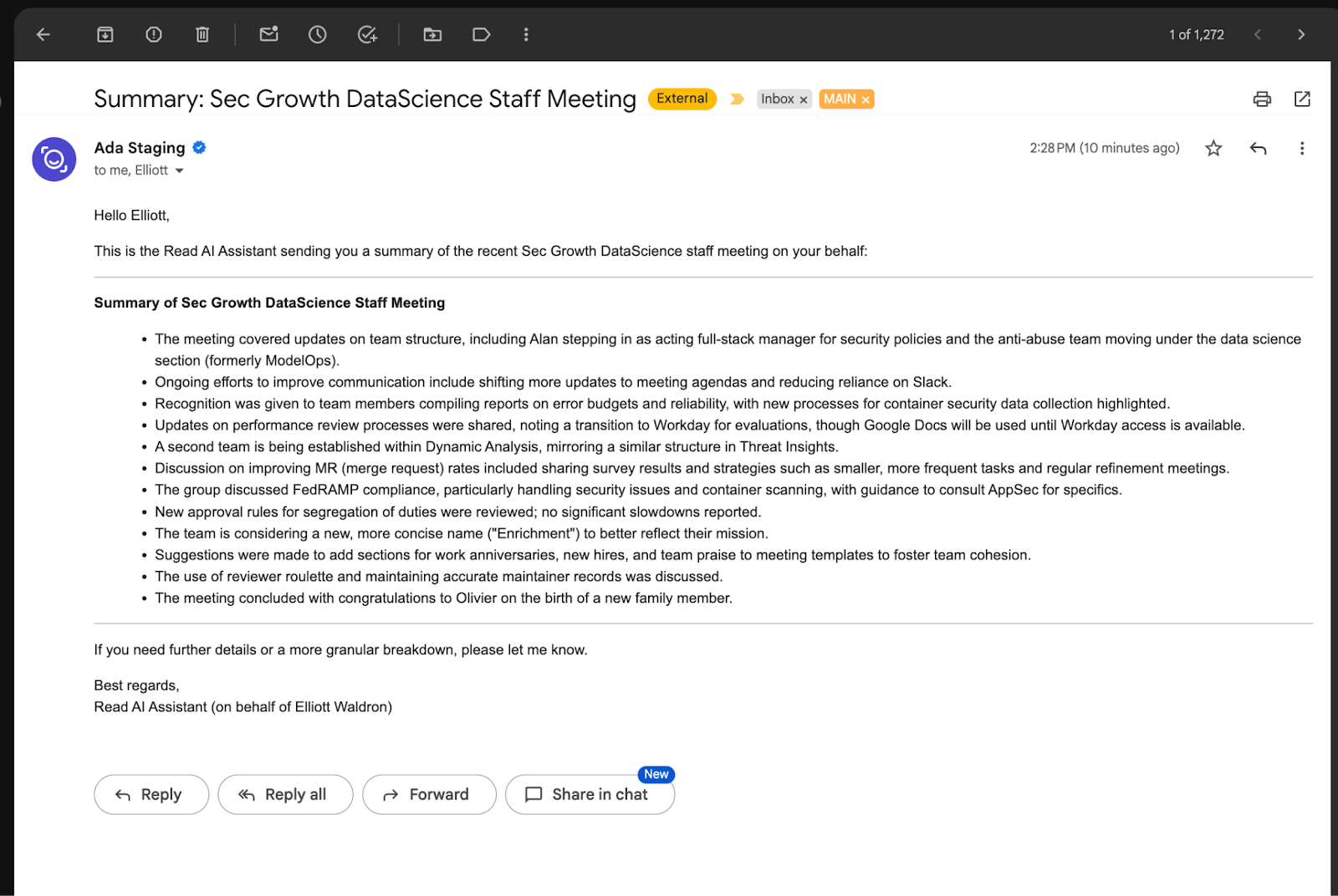
Once you accept the draft with "send it," the Email agent will send an email to you and your stakeholder containing the summary.
Sometimes context is missing: either because a person is distracted during a meeting, or the details weren’t shared. With Ask Read and Web Search, it’s easy to:
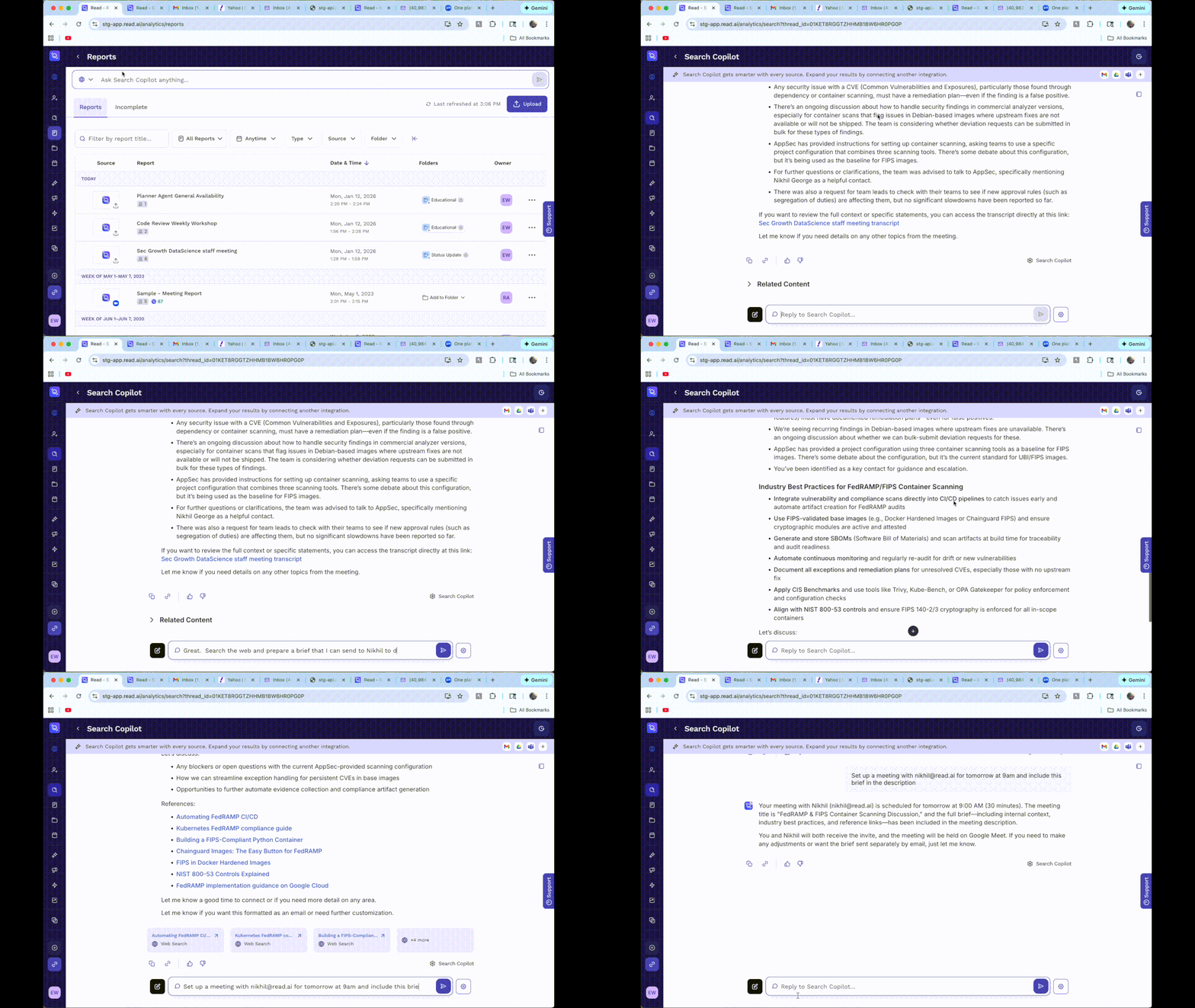
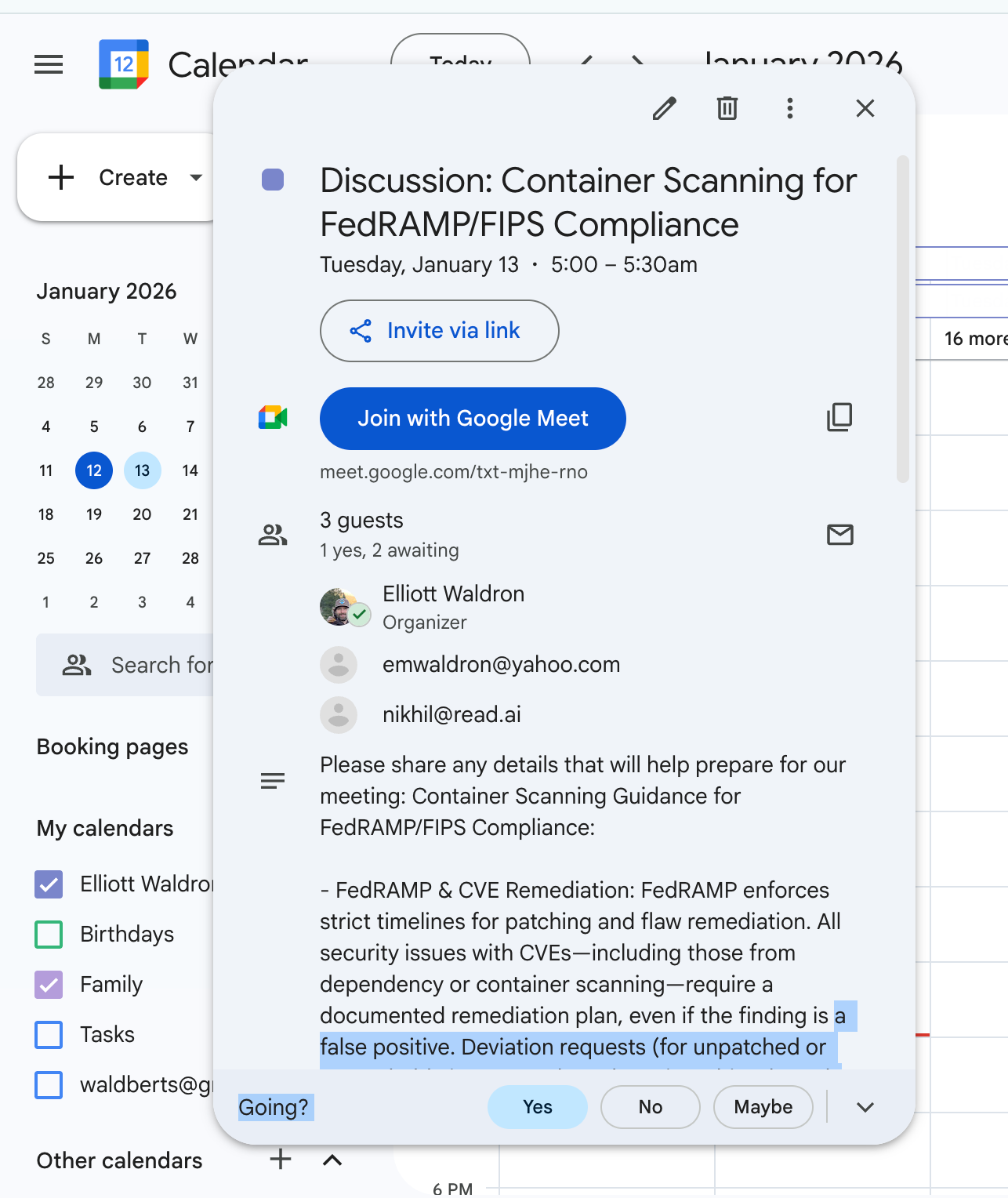
In a few seconds, this event shows up on your calendar:
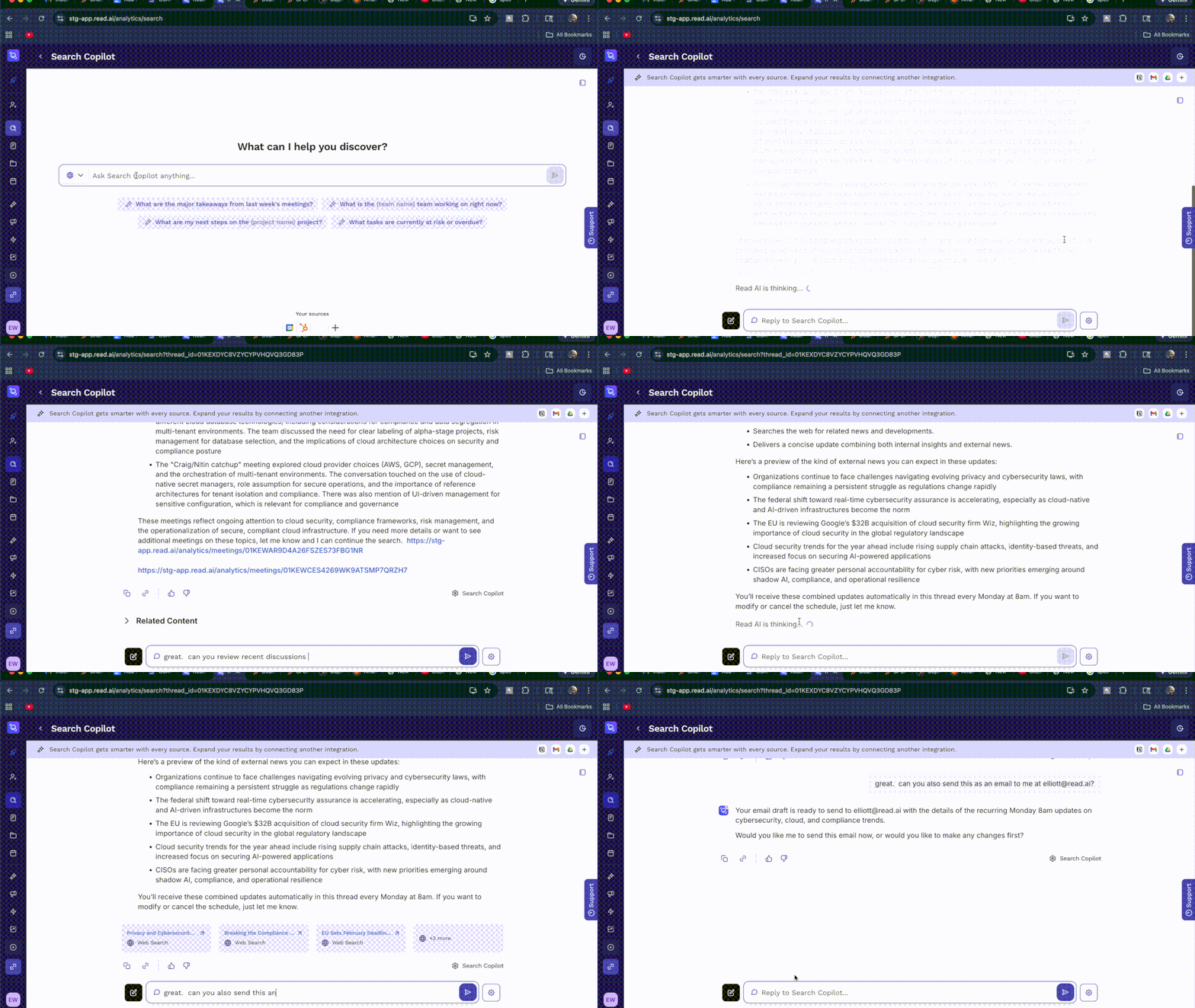
It’s often the case that you want to stay current on a topic without needing to seek out all the details on a regular basis. Starting now, ask to search the web for news related to that topic (for example, cybersecurity and compliance). Scheduled Workflows will rerun this search at a cadence of your choosing, and send insights directly to you via email.
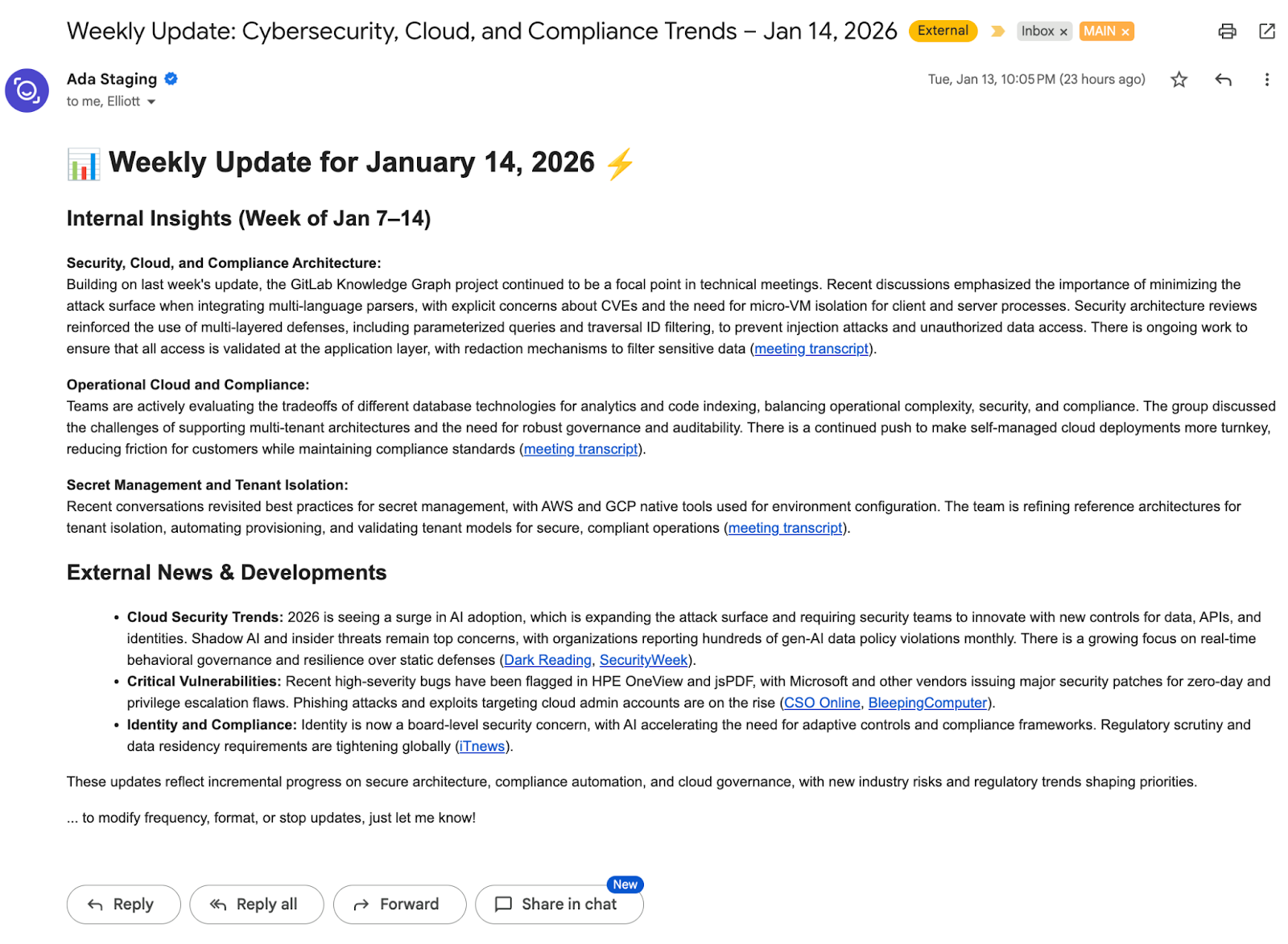
On schedule, an email shows up in your inbox with the latest updates:
Each new Ask Read Action is useful on its own, but the real impact comes from combining them.
Search across meetings, pull in context from the web, trigger workflows, update systems, and let Read AI's new agents handle the follow-up, all from a single prompt window. These building blocks snap together to create workflows that match how you actually work, not rigid processes you have to adapt to.
That’s what turns meetings from static records into actual workflows that move your business forward.
Start small. Combine a few actions. Then keep building. With Ask Read Actions, your workflows evolve as naturally as your conversations.



%2C%20Color%3DOriginal.png)


